 COURSE PREVIEW
About this course
This course contains the use of artificial intelligence
** Roleplay added! - December 2025 **
** Now with quiz questions at the end of each section - added November 2025 **
Over this course, you'll learn some of the more advanced IT troubleshooting techniques, which will teach you how to solve some of the more difficult issues that can sometimes occur with Windows computers.
Topics covered are as follows:
Device Manager - This lists the types of devices installed on your machine and lets you update drivers and view hardware information
Windows Update - Shows all settings related to updates and let's you change settings such as automated install
User Account Control (UAC) - A security feature that is aimed at stopping malicious software from running on your machine
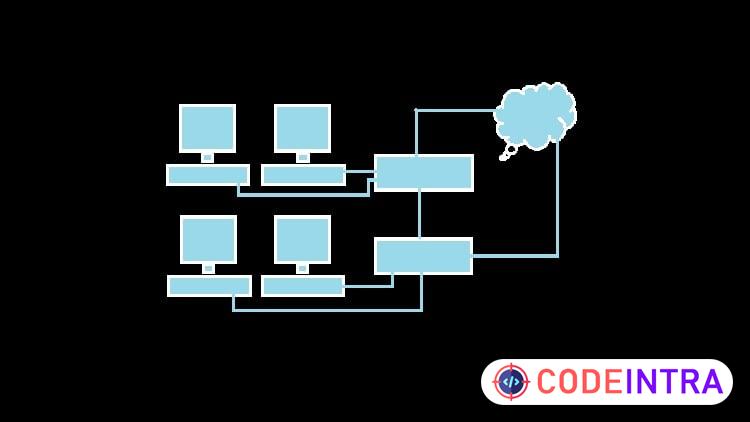
Network Connectivity - Ensuring that your machine is able to connect to the network and access resources
Windows Registry - Allows you to view and change settings that control all aspects of the operating system - use with care!
Whilst these techniques were tried and tested on Windows 10, they are relevant to any version of Windows currently supported by Microsoft, and should also be of use to anyone who is still on Windows XP as well, as the basic concepts of troubleshooting haven't changed since technology began, especially in the case of physical troubleshooting, as concepts such as ensuring a machine has power will always be worth taking into account.
What you'll learn
- How to resolve issues with Device Manager
- How to resolve issues with Windows Update
- How UAC works and some of the problems it can cause
- User profile and uninstall fixes for the Windows Registry
- Advanced network troubleshooting techniques
Before you begin
- To have some previous experience of IT Support, this course is intended as a knowledge base type guide for existing technicians
Who this is for
- IT Helpdesk and Support Technicians
How do you feel about this course?
Share your reaction. Select one emoji to leave or update your rating.
Please wait 30 seconds to explore this course.
This course opens on an external website.
Join the conversation
Share a thought or question. No account required.
Be the first to share your thoughts.


![[NEW] Professional Cloud Architect - Exam Preparation 2026 preview](/images/courses/professional-cloud-architect-exam-preparation-1792332710-f036ef.jpg)