 COURSE PREVIEW
About this course
Note: The main difference in this course compared to others is that we have not confined ourselves to explaining simple techniques. Instead, we have conveyed the subject through challenging projects and specific tricks, which are the result of numerous experiences.
Do you know in what fields Lumion software is used?
Are you aware of the capabilities provided by Lumion software?
Do you know the differences between this software and similar ones?
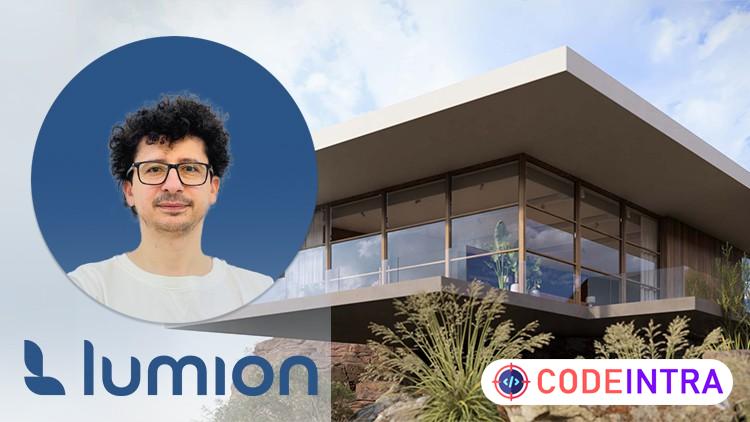
Lumion, developed by Lumion BV, is a powerful 3D visualization software widely used in architecture and construction. It allows users to effortlessly transform 3D models into realistic images and videos. Lumion's user-friendly interface simplifies the process, enabling architects and designers to enhance models with materials, lighting, and natural elements.
Noteworthy features include the ability to add trees, plants, lights, water, and surroundings, creating dynamic and lifelike scenes. Lumion's real-time processing capabilities facilitate quick adjustments, making it a valuable tool for professionals seeking efficient project visualization.
Headlines:
User Interface
Lumion Effects
Importing Various Formats
Creating Animation
Realistic Materials
Creating Landscapes
Importing Animation Cameras
Lighting in Lumion
Principles of Starting a Project
Professional Archives
If you are currently a BIM modeler or planning to become one, it is essential not to limit yourself to any form. You should be able to manage any architectural design in the BIM process And in the end, you will be the hero of this training. Please watch this course and feel free to ask me any questions you have while watching it.
What you'll learn
- Lumion User Interface
- Lumion New Effects and Tricks
- Importing Various Formats
- Creating High Quality Animations
- Building Realistic Materials
- Creating Wonderful Landscapes and Green Area
- Importing Animation Cameras
- High Quality Lighting in Lumion
- Principles of a Project
- Professional Archives
Before you begin
- a Laptop and Lumion
Who this is for
- Architects
- Students
- BIM Modelers
- 3D Modelers
- Revit Users
- Sketchup Users
- Landscape Designers
- CG Artists
- Green Architects
- Interior Designers
- Exterior Designers
- Urban Designers
How do you feel about this course?
Share your reaction. Select one emoji to leave or update your rating.
Please wait 30 seconds to explore this course.
This course opens on an external website.
Join the conversation
Share a thought or question. No account required.
Be the first to share your thoughts.