 COURSE PREVIEW
About this course
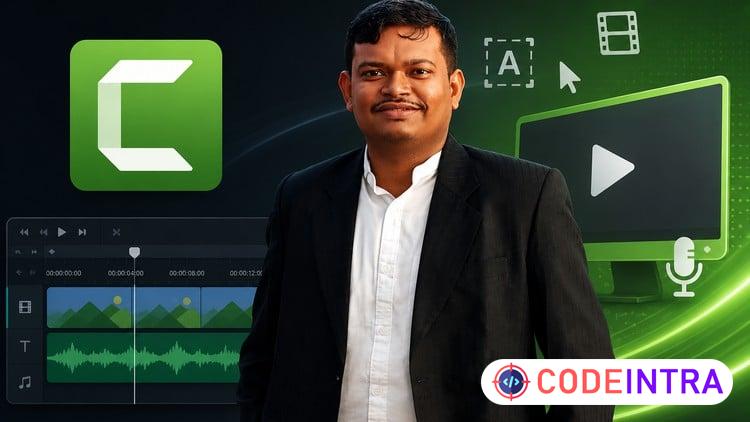
Master Camtasia: Complete Video Editing for Beginners to Pro is a comprehensive course designed to take you from a complete beginner to a confident video editor using Camtasia. Whether you want to create engaging tutorials, professional training videos, or polished YouTube content, this course covers everything you need.
In this course, you will learn:
How to set up Camtasia and understand its interface for efficient editing
The step-by-step process to record your screen, webcam, and audio simultaneously
Essential video editing skills including trimming, splitting, adding transitions, and annotations
How to enhance your videos with zoom, pan effects, cursor highlights, and callouts
Techniques to improve audio quality by removing noise and adding voiceovers or background music
The use of templates and libraries to speed up your workflow
Best practices for exporting videos in high-quality formats suitable for platforms like YouTube, online learning, or business presentations
This course is suitable for anyone interested in video editing regardless of prior experience. By the end, you will be able to create professional-looking videos that captivate your audience and communicate your message clearly.
You will also receive practical tips and tricks lessons on optimizing your editing process, avoiding common mistakes.
Start your journey to mastering video editing with Camtasia today!
What you'll learn
- Video Creation to Video editing Mastery
- Export high-quality videos for YouTube, online learning, or corporate training
- Record their screen, webcam, and audio using Camtasia effectively
- Edit videos with Camtasia’s timeline: trim, cut, split, and rearrange clips
- Add engaging effects like transitions, annotations, callouts, and behaviors
- Use Zoom & Pan, Cursor Effects, and Smart Focus for polished tutorials
- Clean up audio with noise removal and add music or voiceovers
- Create custom intros, lower thirds, and branded video templates
- Boost productivity with Camtasia Libraries, Templates, and Batch Exporting
Before you begin
- A computer (Windows or Mac) with internet access
- Camtasia (free trial or licensed version) installed
- Headphones and microphone (optional but recommended for better audio)
- Enthusiasm to create and edit engaging videos!
Who this is for
- Beginners who want to learn video editing using Camtasia
- Educators and trainers creating tutorial or e-learning content
- YouTubers and content creators who want polished, engaging videos
- Freelancers and marketers making promotional or explainer videos
- Corporate professionals preparing training, demo, or walkthrough videos
- Anyone who wants to produce high-quality screen recordings with ease
How do you feel about this course?
Share your reaction. Select one emoji to leave or update your rating.
Please wait 30 seconds to explore this course.
This course opens on an external website.
Join the conversation
Share a thought or question. No account required.
Be the first to share your thoughts.